
Android Application
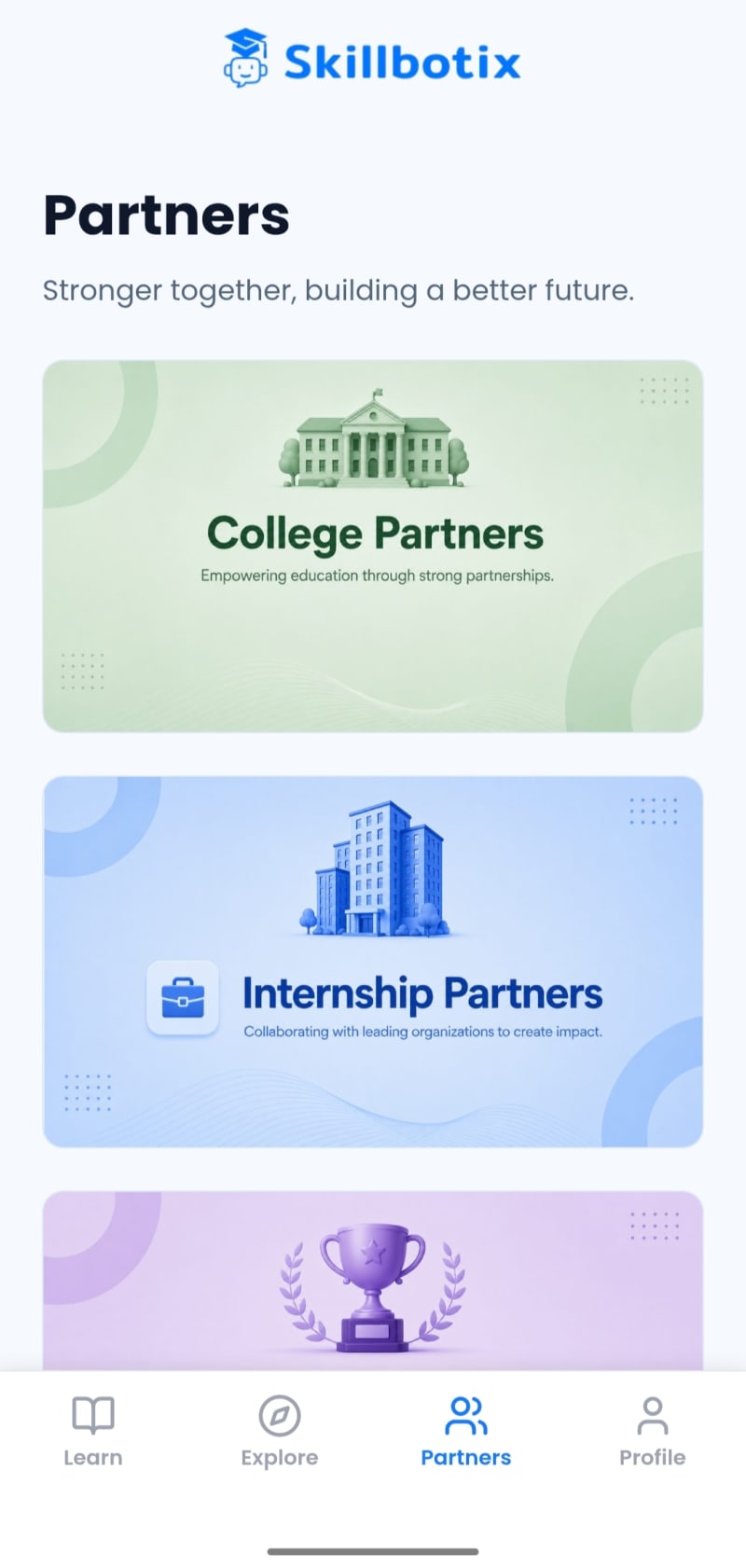
Skillbotix : AI & Coding
AI-powered gamified learning platform designed to make education more interactive, engaging and skill-focused.
View ProjectBuild powerful, secure, and user-friendly Android applications tailored to your business goals. From MVPs to feature-rich mobile apps, we develop scalable solutions with modern technology, AI-powered capabilities, and seamless user experiences.
Launch a high-performance Android application designed around your customers and business objectives. DevOCraft builds custom Android apps with intuitive interfaces, secure integrations, scalable architecture, and AI-powered features to help you automate operations, engage users, and grow your business.
Problems we solve
What you get
The agreed scope confirms the exact deliverables, integrations and documentation for your project.
Delivery Standards
Scope clarity, testing, and documented handover.
Example in practice
A simplified request flow: what happens between a tap in the app and the screen updating with the result.
Full workflow
User action → Android interface → API request → Backend processing → Database operation → API response → Updated app state.
Select any node to see what it does, with its input and output. Dashed lines and nodes marked Optional, Conditional or Decision point apply only in some cases.
Full workflow
User action → Android interface → API request → Backend processing → Database operation → API response → Updated app state.
Select any node to see what it does, with its input and output. Dashed lines and nodes marked Optional, Conditional or Decision point apply only in some cases.
If: No connection
Back online: back to API request
If: Invalid or not permitted
Error reply: back to API response
Illustrative example only. It is not a specific client project; the actual steps, tools and integrations are agreed during scoping for each engagement.
Discuss your Android appSix phases with a written scope before work starts, previews along the way and documentation at handover.
Related work
Android Application
AI-powered gamified learning platform designed to make education more interactive, engaging and skill-focused.
View ProjectChosen for your scope, integrations and long-term maintenance.
Android App Development
Share your goals and requirements. We'll reply with questions or a suggested approach.